Workbenches
Configurable AI agent environments for automated infrastructure operations
Overview
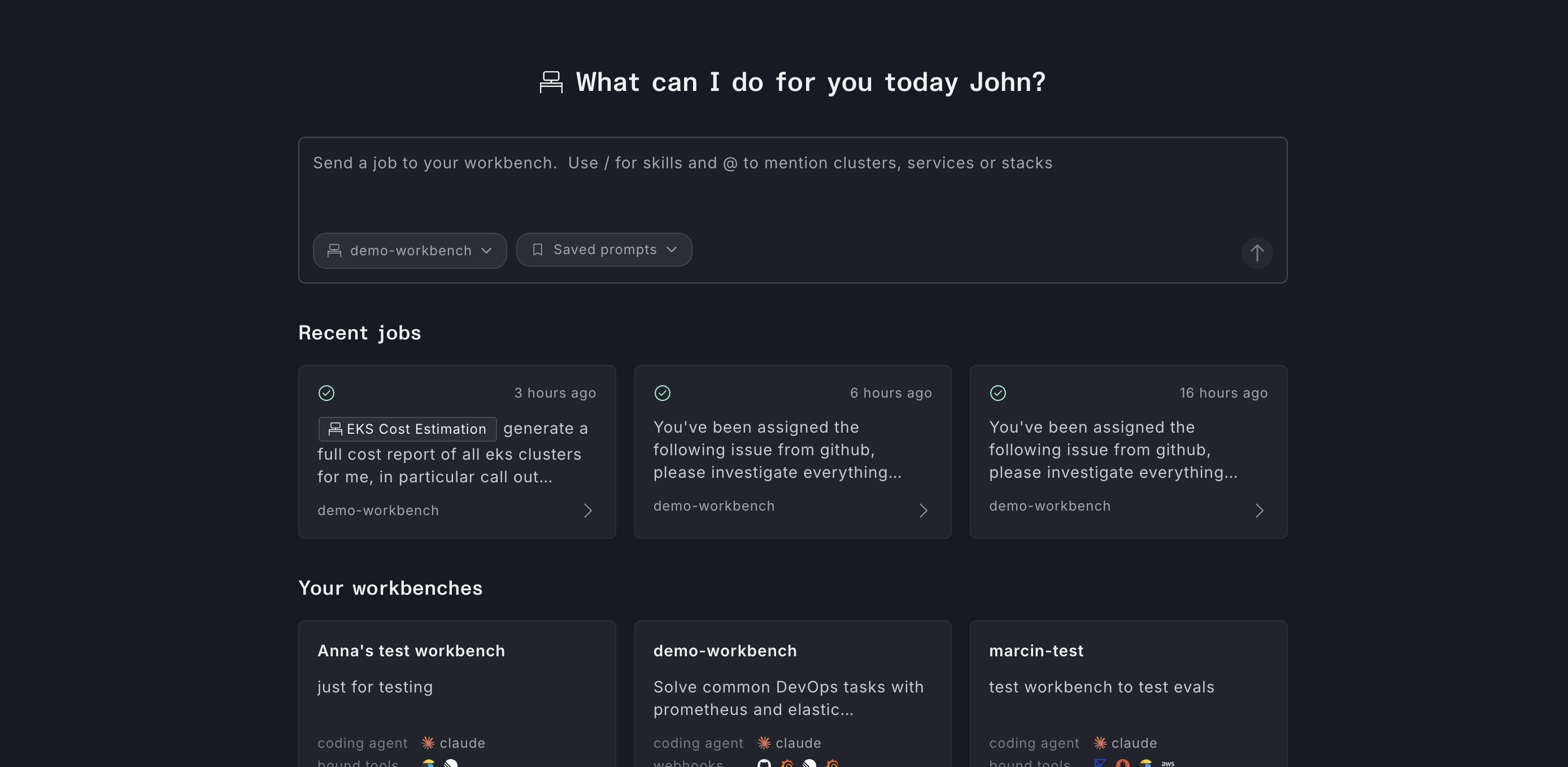
Workbenches are named, project-scoped environments for running AI-driven operations against your infrastructure. Each workbench bundles a system prompt, a set of capabilities, connected tools, and automation triggers into a reusable workspace.
At runtime, a job is created — the agent executes using the configured capabilities and tools, emitting a live stream of activities as it works. When finished, it produces a structured conclusion that can include summaries, dashboards, follow-up todos, topology pointers, and opened pull requests.
Core concepts
Workbench
The parent configuration object. It defines the agent's identity (name, system prompt), the project it belongs to, the agent runtime to use, which capabilities are enabled, which tools are attached, and who has access.
Job
A single run of the agent against a prompt. Each job has a status (pending, running, complete, failed) and a streaming activity log you can follow in real time. See Running workbench jobs.
Integrations
Outside systems a workbench can use: tools the agent calls during a job, webhooks that deliver alerts and issue events, and chatbots that start a job from Slack or Microsoft Teams. See Integrations.
Skills
Instruction files that extend what the agent knows how to do. Skills can be loaded from a Git repository or defined inline in the workbench. They are included in the agent's context alongside the system prompt.
How jobs can be run
Jobs can be started on demand or automatically:
- UI — Open a workbench, go to the Launch tab, and submit a prompt. See Running workbench jobs.
- API — Create a job with the Console REST API or GraphQL (
createWorkbenchJob). See CreateWorkbenchJob and the GraphQL API. - Automatically — Jobs can also fire without a manual prompt:
- Webhook triggers — observability alerts and issue tracker events
- Cron schedules — recurring prompts on a crontab
- Chatbots — @mention the workbench bot in Slack or Microsoft Teams to start a job
Webhook, cron, and chatbot bindings are configured on the workbench. See Automating workbench jobs for webhook and cron setup.
Getting started
- Navigate to Workbenches in the Plural Console sidebar.
- Click Create workbench and step through the creation wizard.
- (Optional) Set up shared tools your workbench can call.
- Run your first job from the workbench's Launch tab.